PLAN & PROCURE
Pre-contract, run as one workspace.
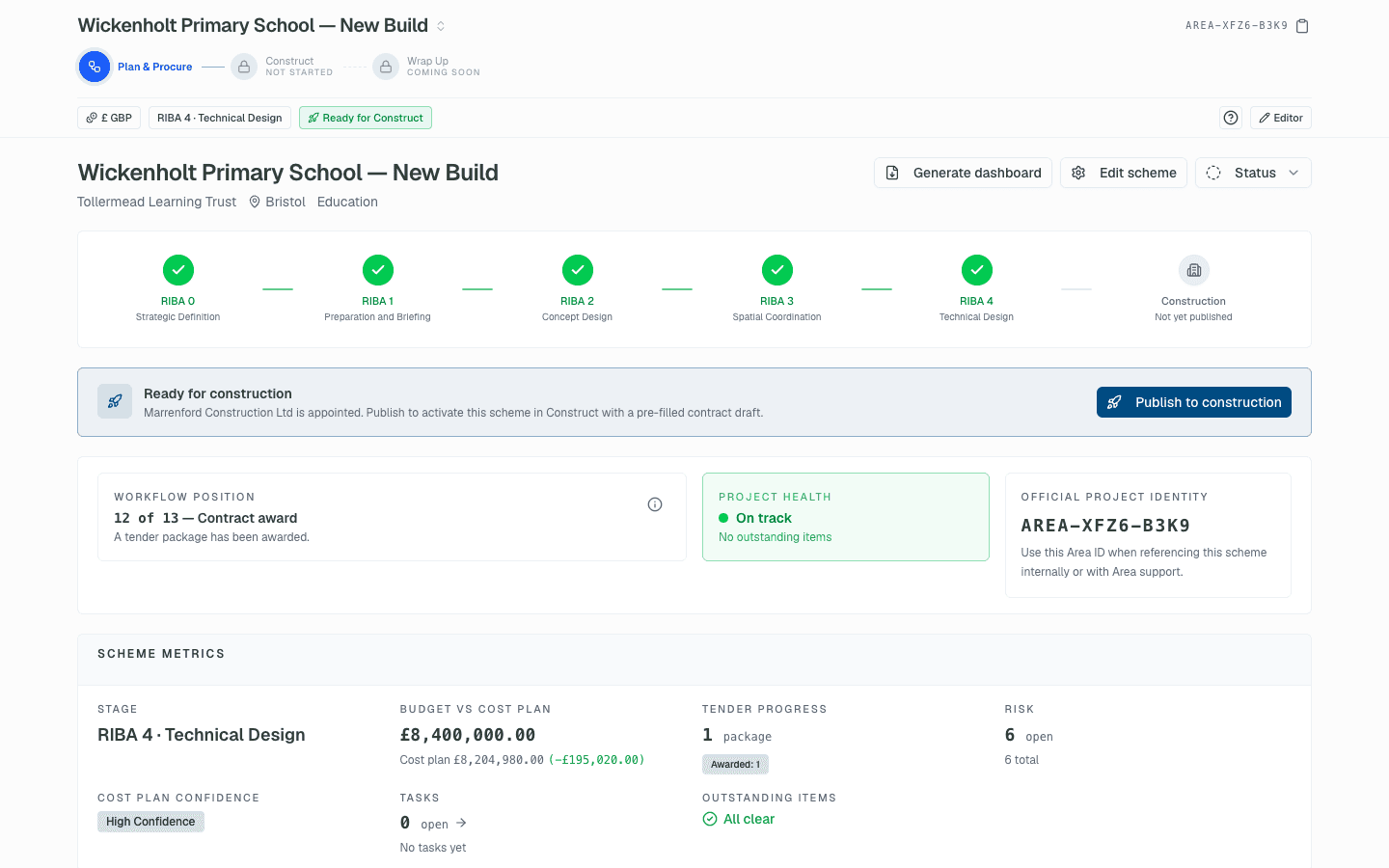
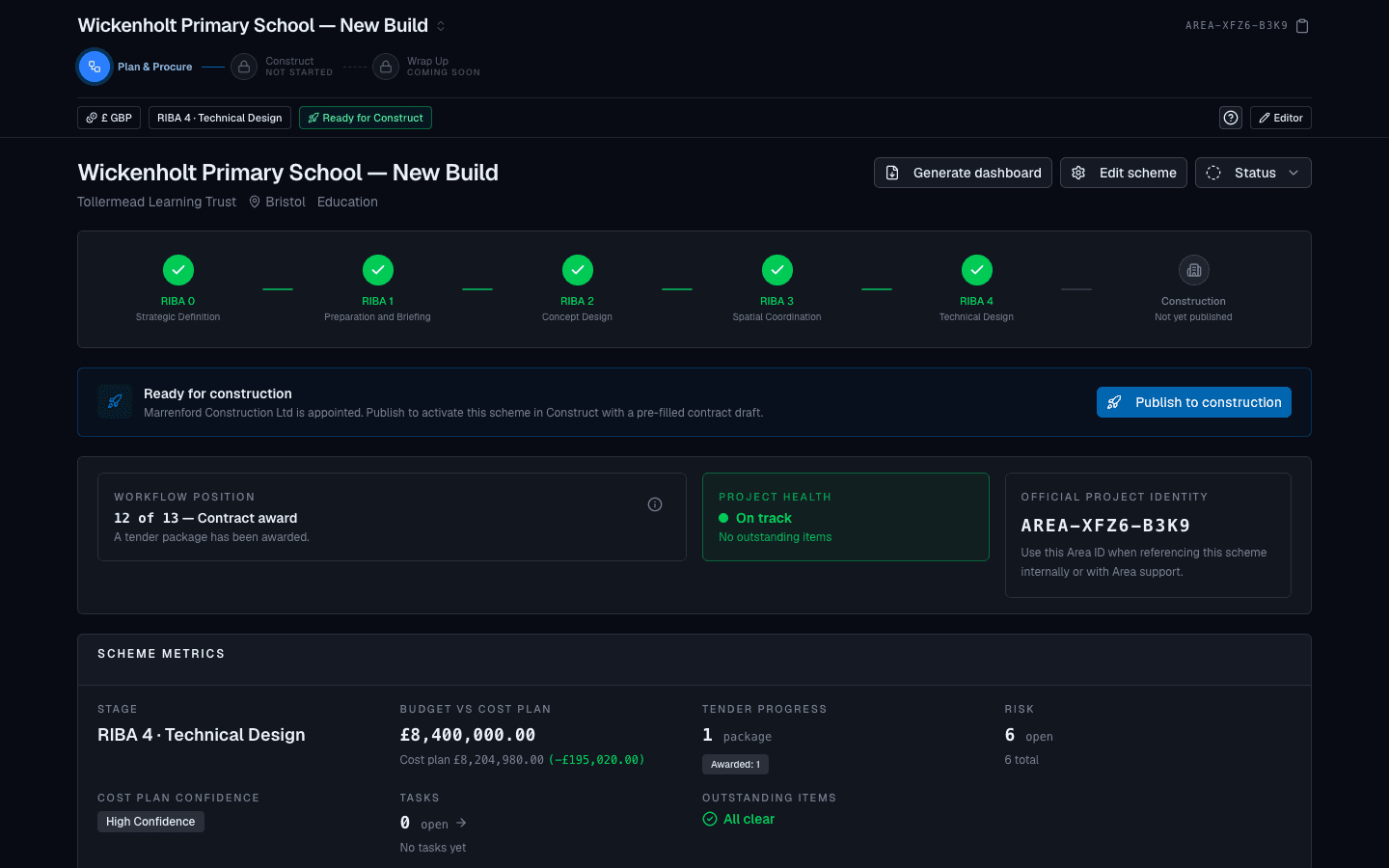
Brief, cost plans, site, programme, gateways, risks, team and procurement on a single scheme record, with the RIBA stage derived from the work done. When the contractor is appointed, the whole record hands over to Construct.
RIBA Plan of Work aligned · NRM1 cost planning · JCT & NEC forms
WHAT'S INSIDE
Everything from Stage 0 to contract award.
Each workspace writes to the same scheme record, so the brief, the cost plan and the tender evaluation are always talking about the same numbers.
Brief
Start from the client's brief, not a blank spreadsheet.
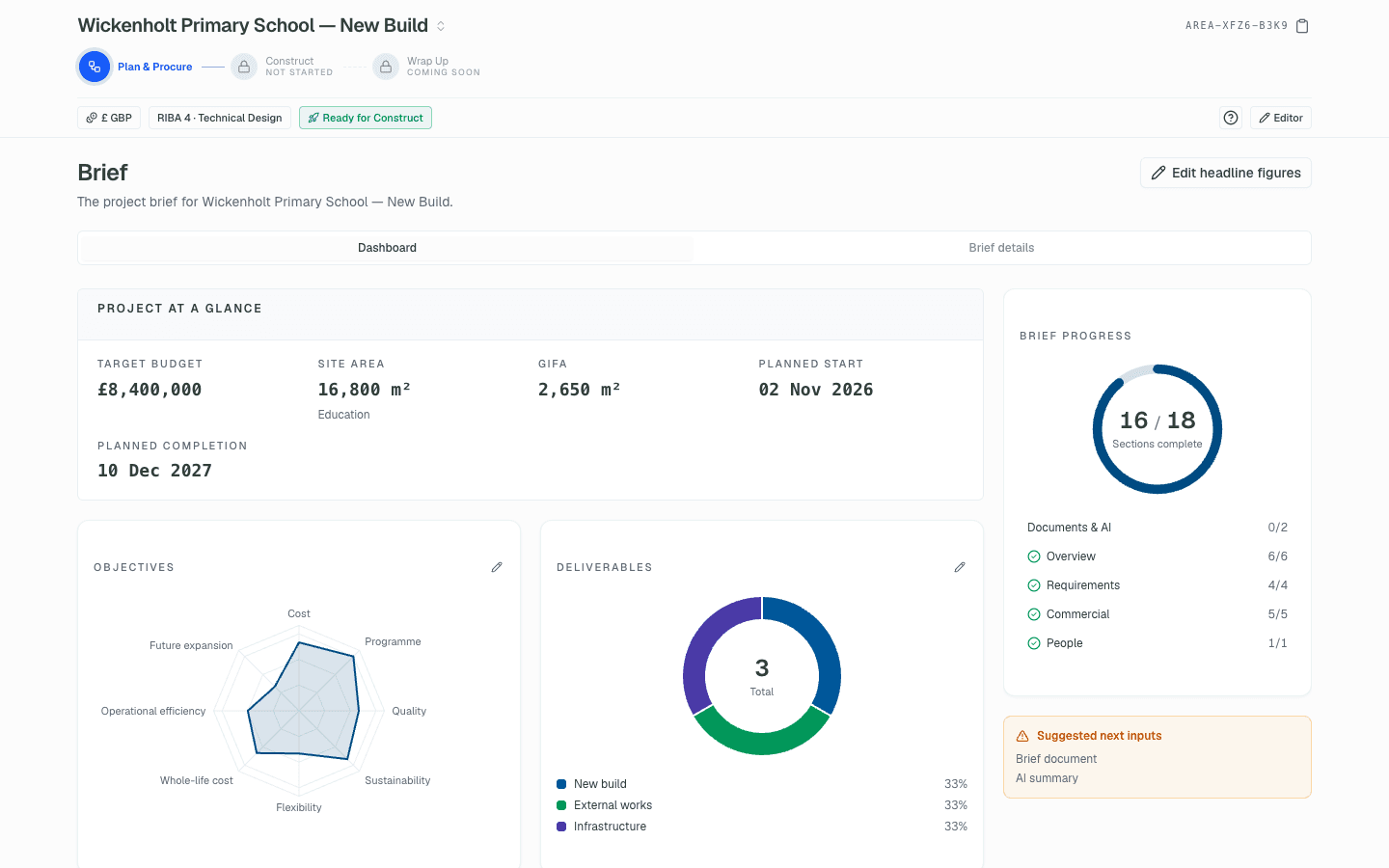
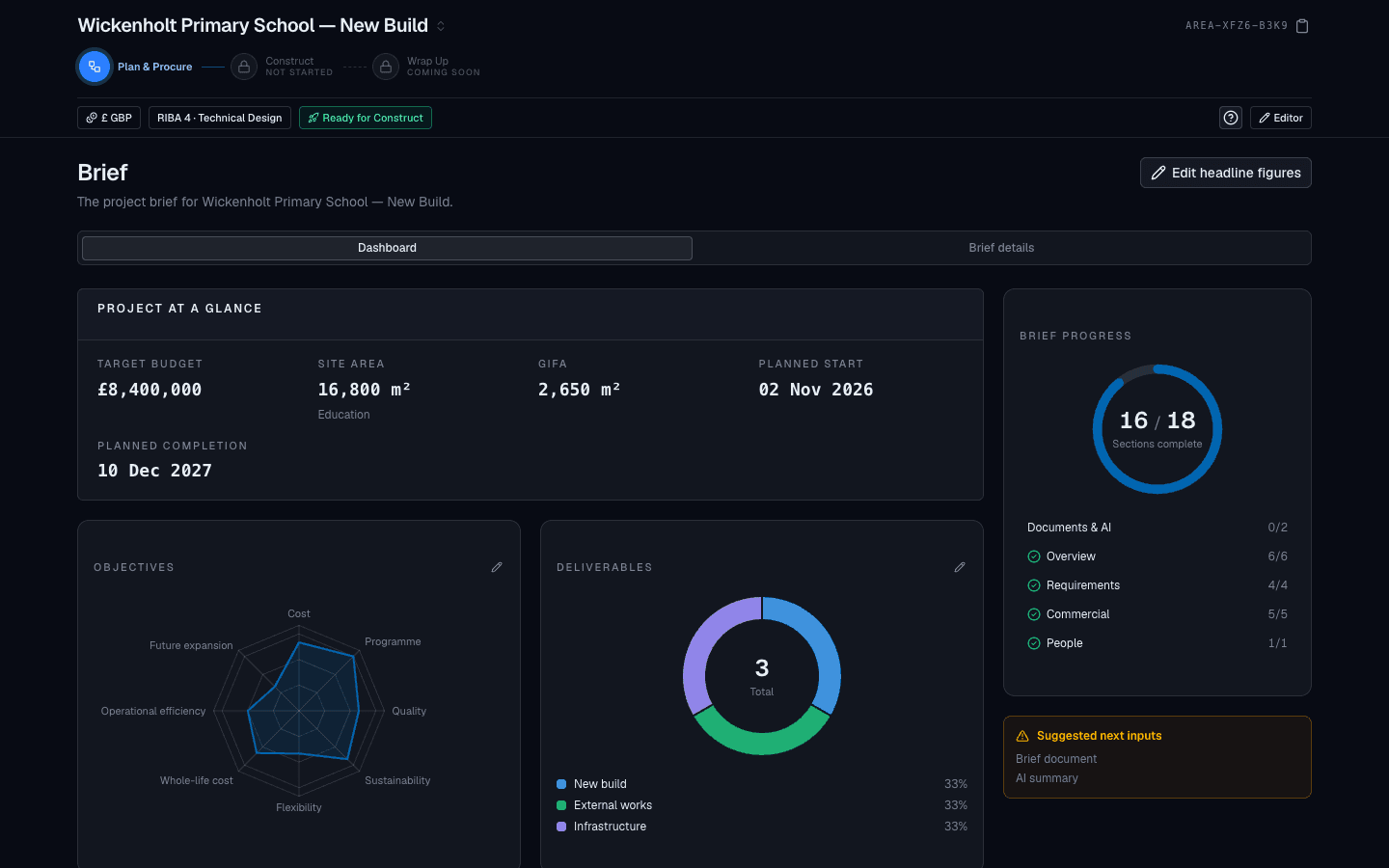
Capture objectives, scope, budget requirements, programme requirements and sustainability targets in a structured brief. Upload the client's own brief document and let AI read it into the fields, each shown against its source before it is saved.
- Objectives, scope, constraints and critical dates in one record
- Target and maximum budget with inclusions stated
- Brief documents read by AI and confirmed field by field
- Every later cost plan measured back against the brief
Cost planning
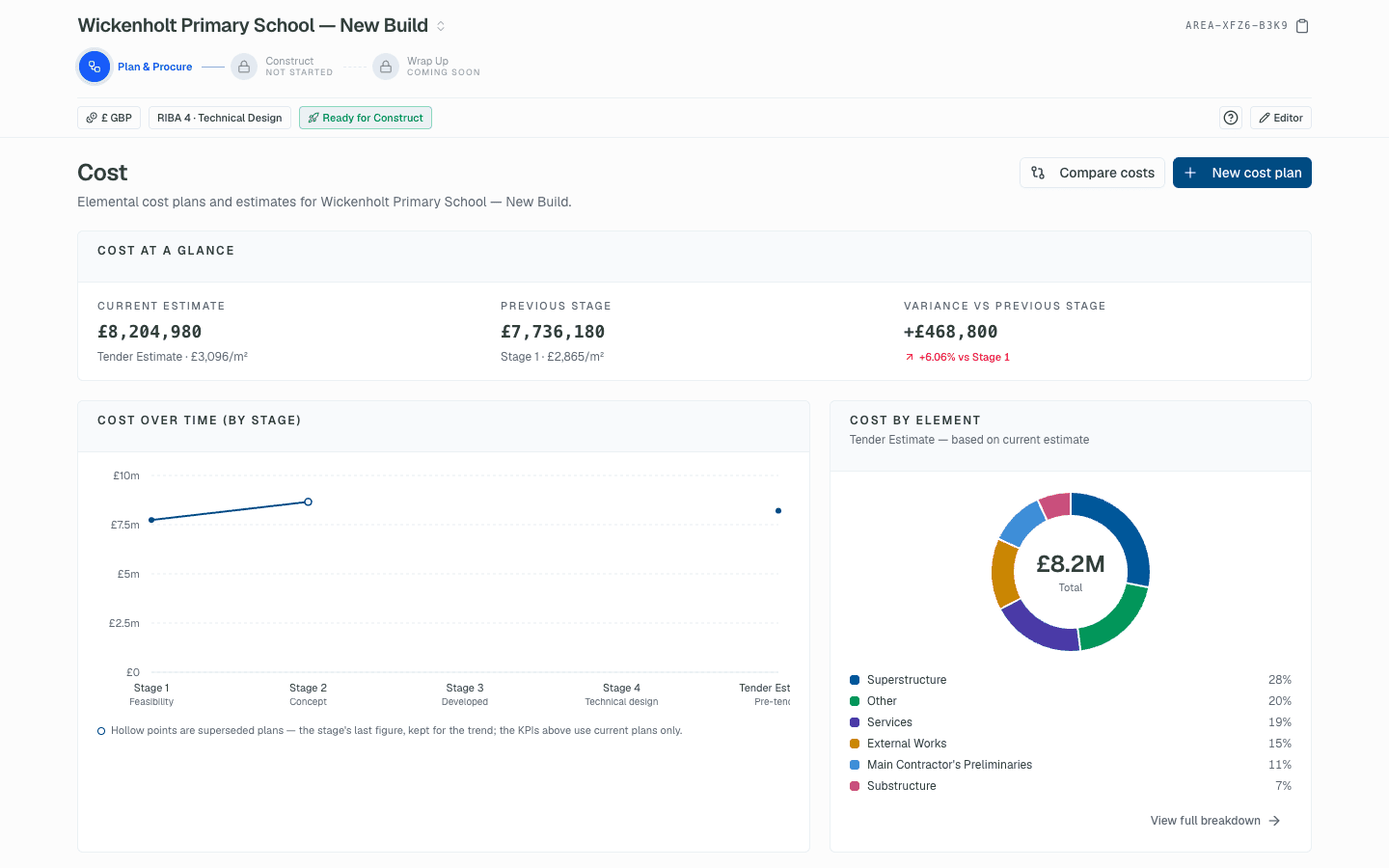
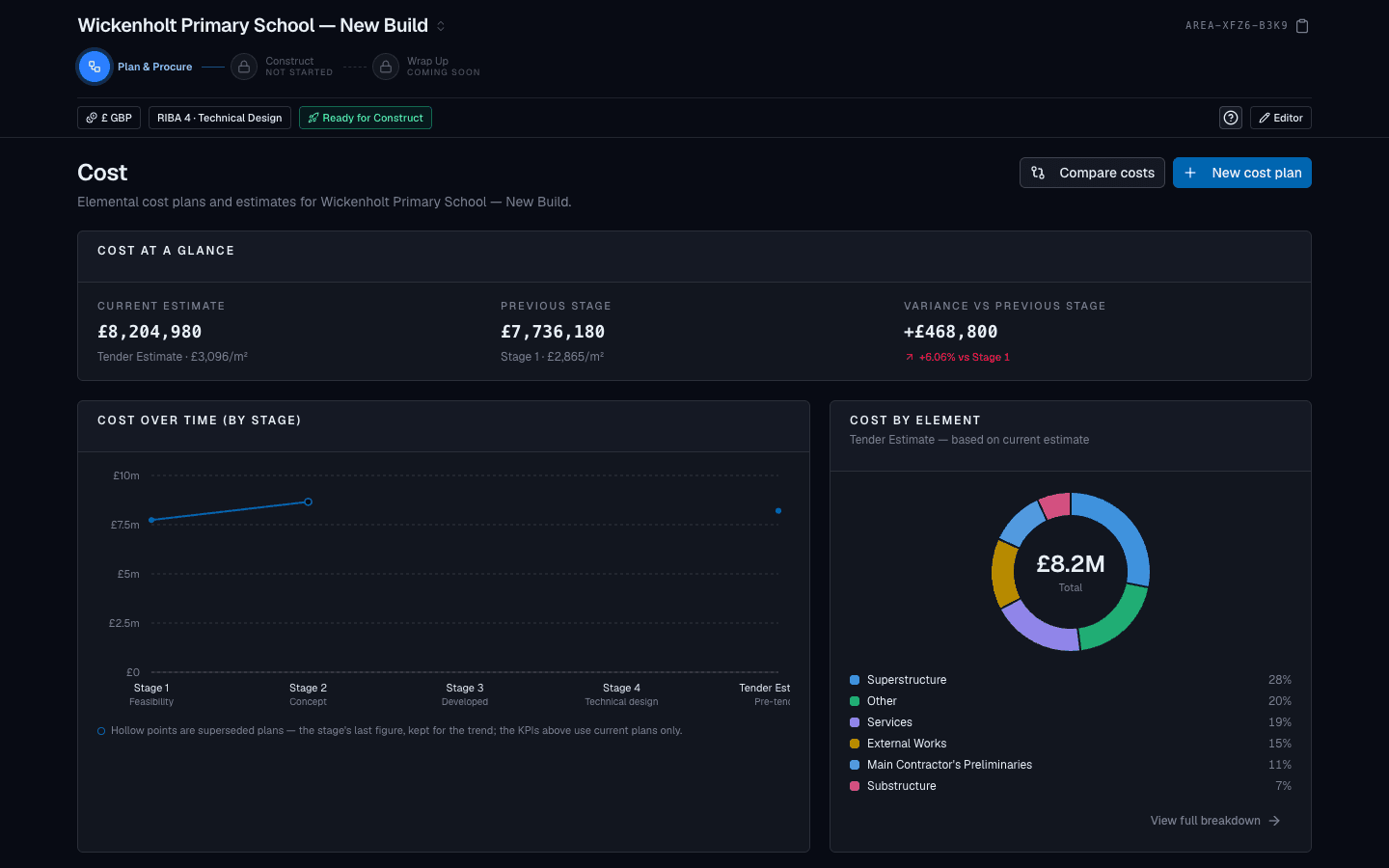
Elemental cost plans, versioned and traceable.
Build order-of-cost estimates and elemental cost plans on an NRM1 structure, supersede them as the design develops, and keep the current plan and its variance to the brief in view. Uploaded cost plans are read into the same structure for review.
- NRM1 elemental breakdown with preliminaries, OH&P and contingency
- Version history: superseded plans kept, current plan flagged
- Variance to the brief's target on the overview
- The current tender estimate carries into the Construct contract draft
Site & programme
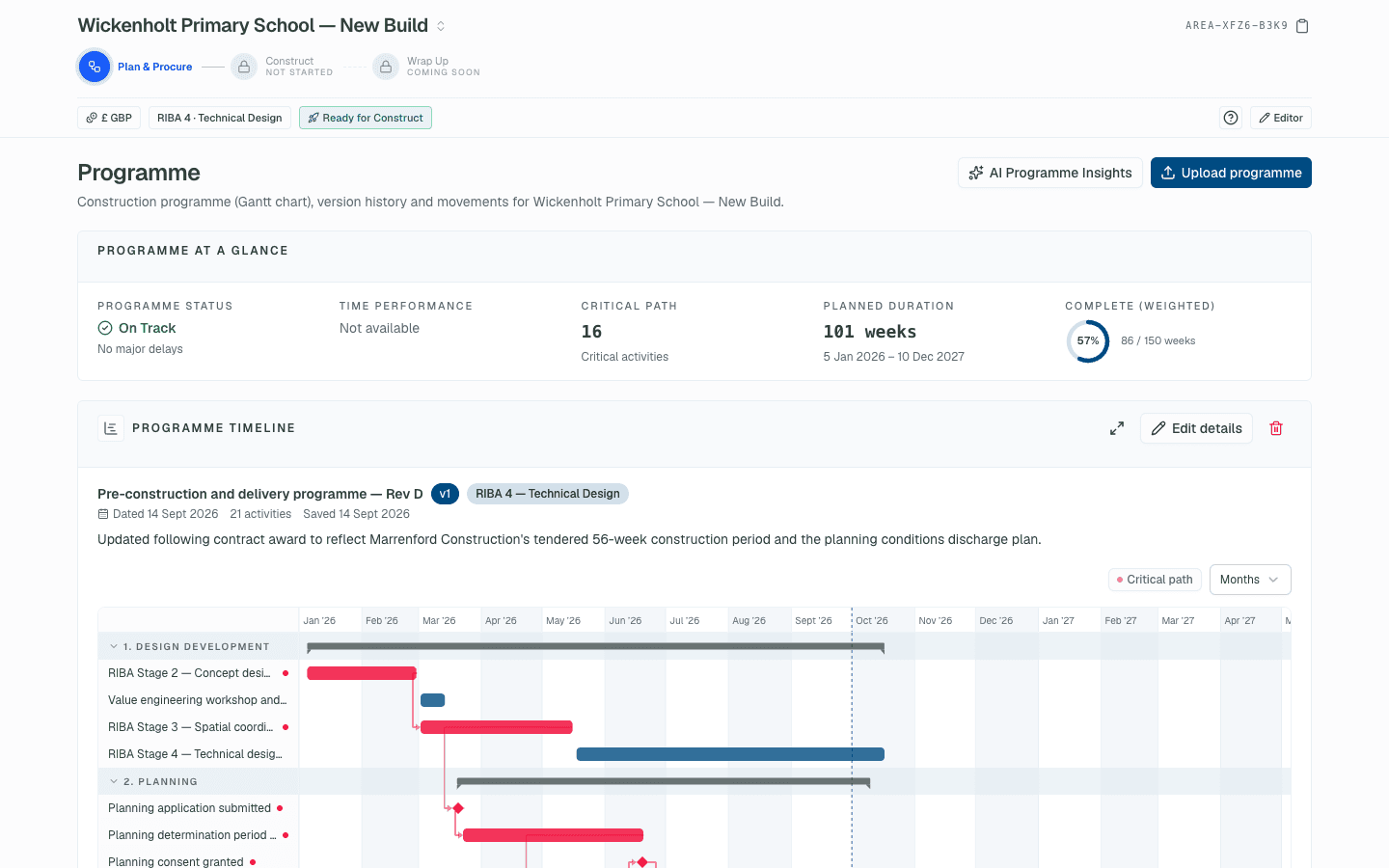
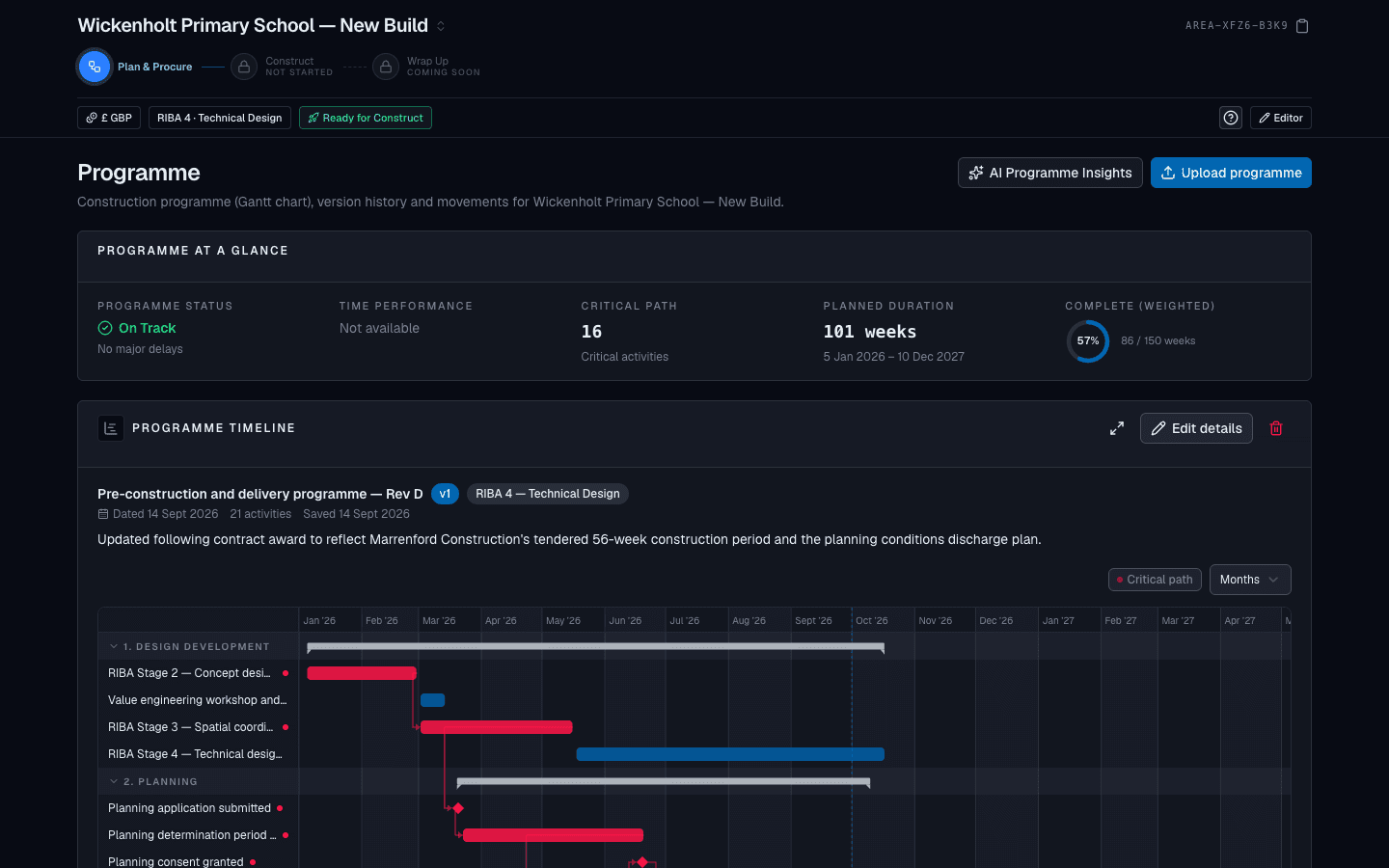
The site and the programme, on the same record as the numbers.
Hold the site plan, surveys and location alongside a pre-construction programme with milestones for planning, tender and start on site. Programmes uploaded as documents are read into activities with working-day durations.
- Site plans, surveys and location on a map
- Pre-construction programme with milestone activities
- Programme documents extracted into a Gantt for review
- Key dates surfaced on the overview and dashboards
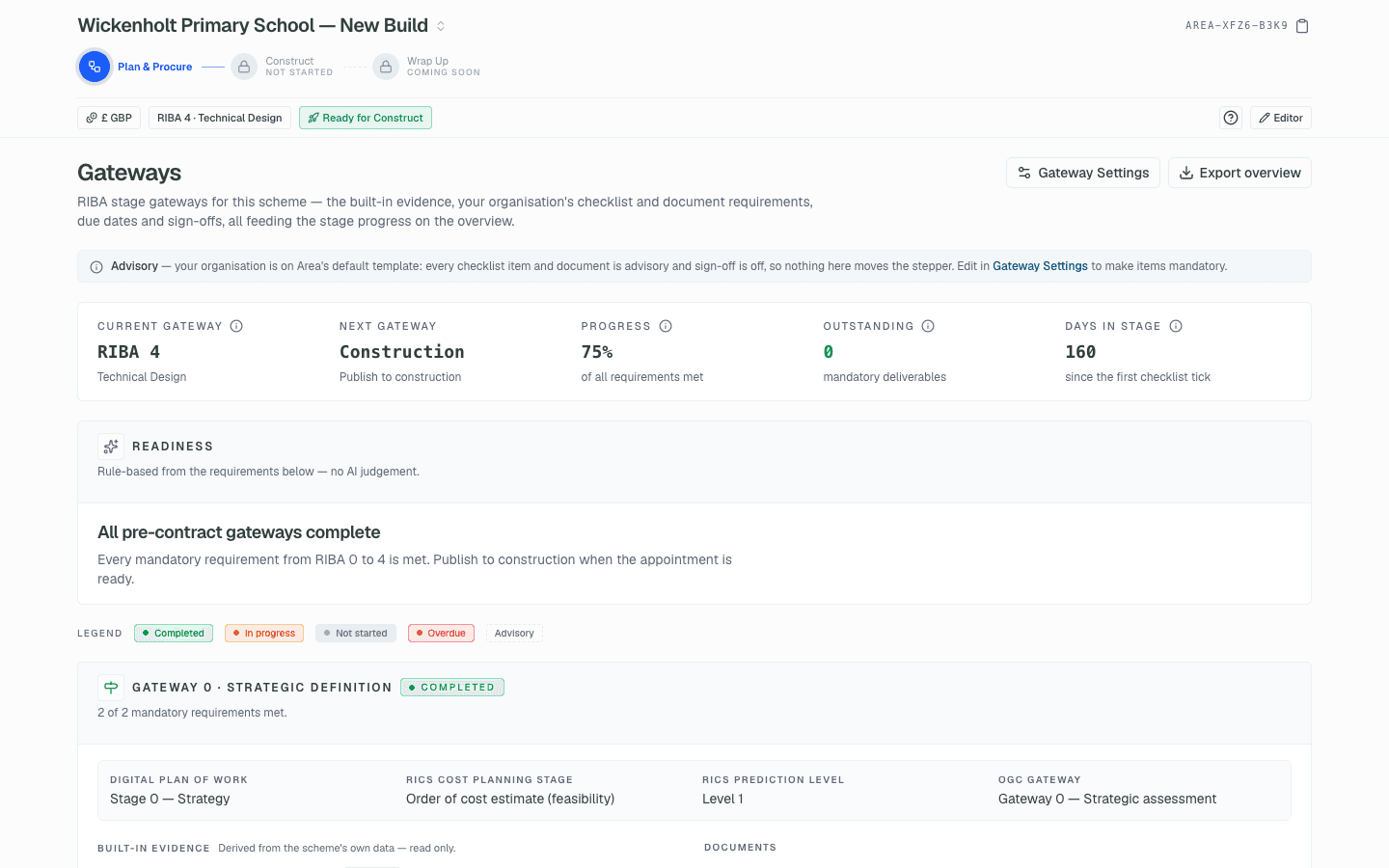
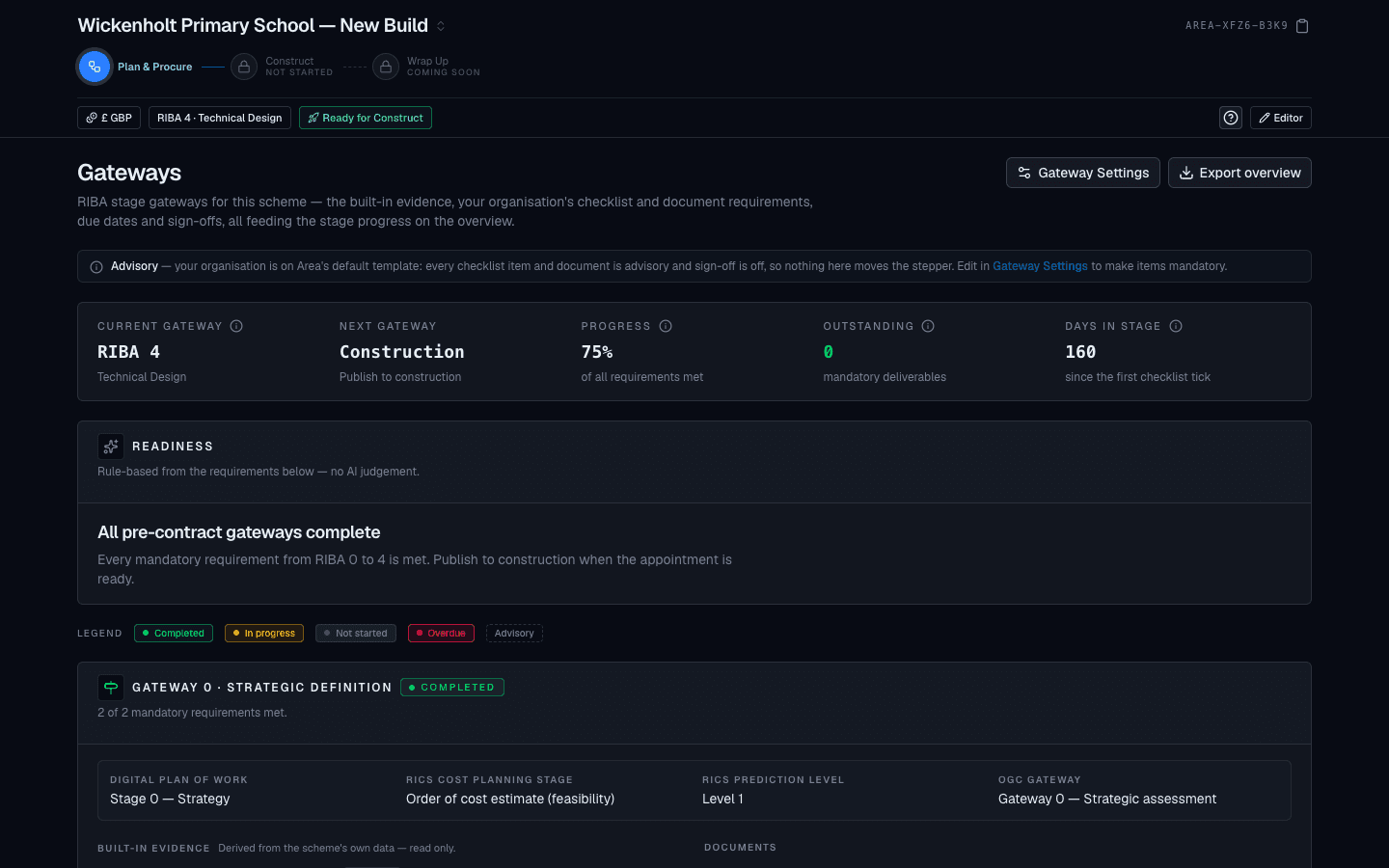
RIBA stages & gateways
The stage is derived from the work, and each gateway is yours to define.
The RIBA Plan of Work stage is computed from what has actually been done on the scheme, never set by hand. Your organisation defines a gateway checklist per stage, advisory by default, so a stage can be signed off with the evidence on record.
- RIBA 0 to 4 derived from brief, cost plan and procurement progress
- Organisation gateway templates with per-stage checklists
- Sign-off recorded with who, when and what was outstanding
- Construction stage reached only through publish to Construct
Risks & team
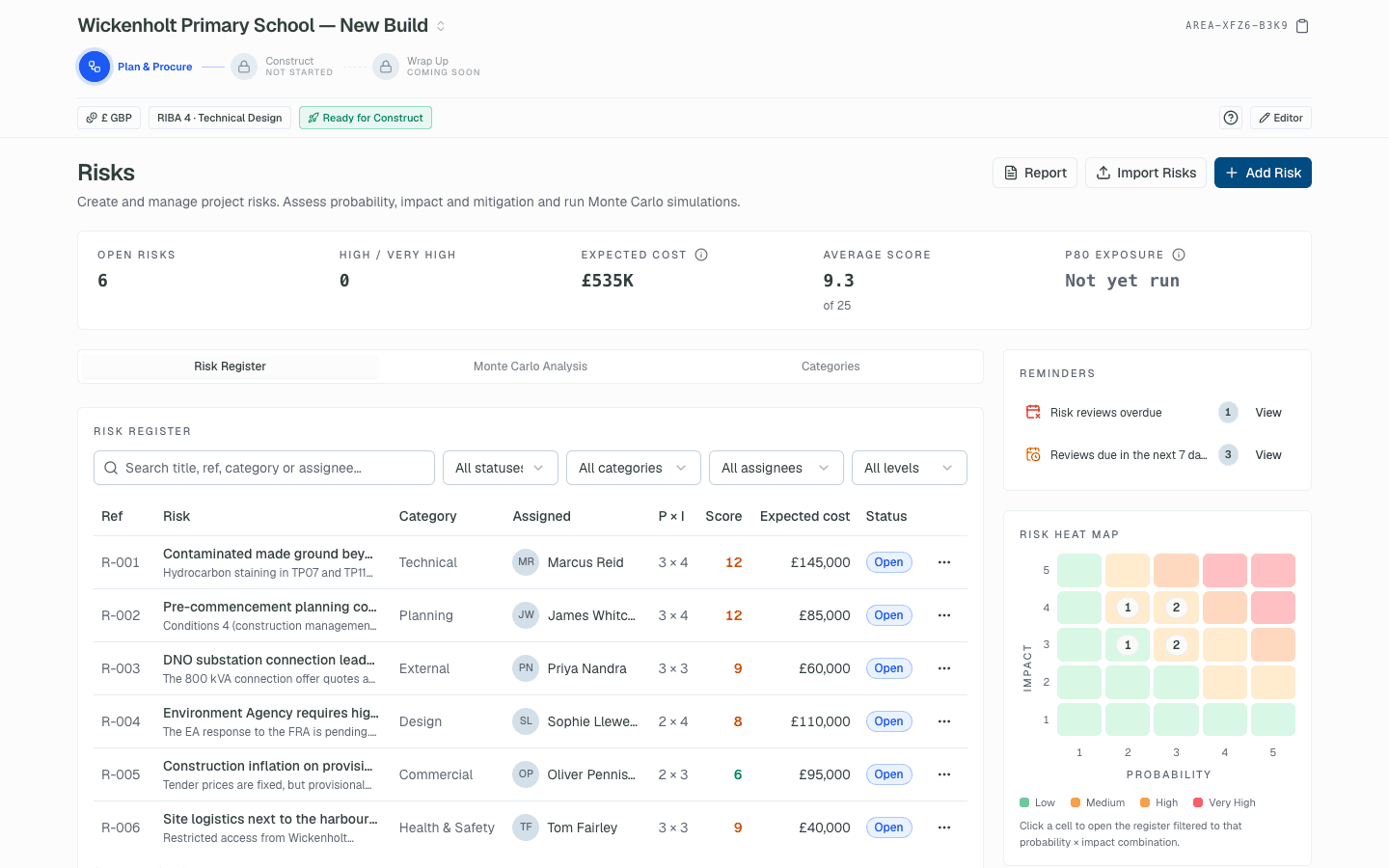
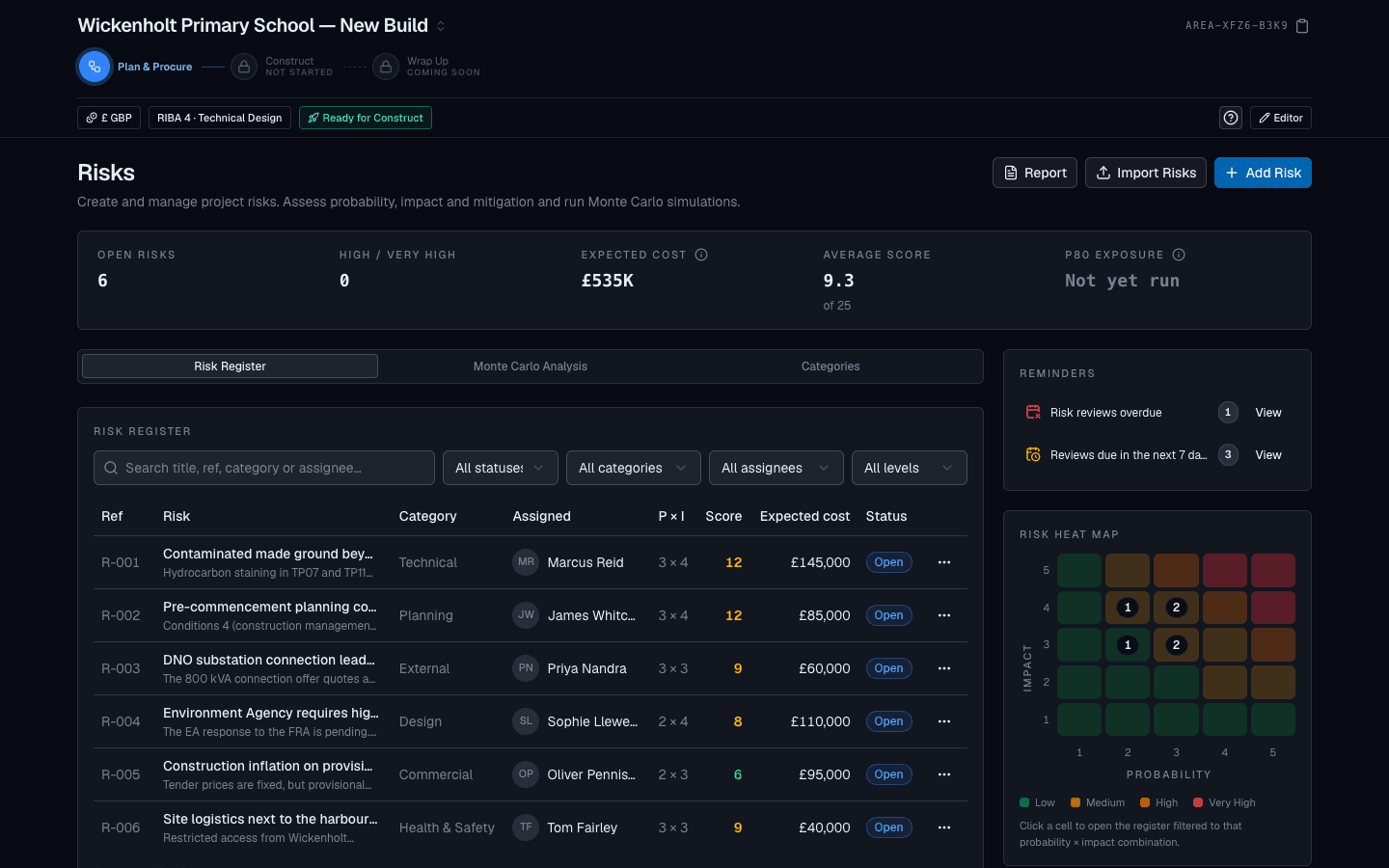
The pre-contract risk register and the project team, from day one.
Score risks by probability and impact with expected cost and mitigations, run Monte Carlo across the open register, and keep the project directory of client, design team and consultants with their roles. Both cross the contract line with the scheme.
- Probability × impact scoring with expected cost and review dates
- Monte Carlo simulation on the open register
- Project directory with roles that pre-fill the contract draft
- Risks carried into Construct labelled pre-contract, or closed at handover
Procurement
From tender issue to appointment, with the evaluation on record.
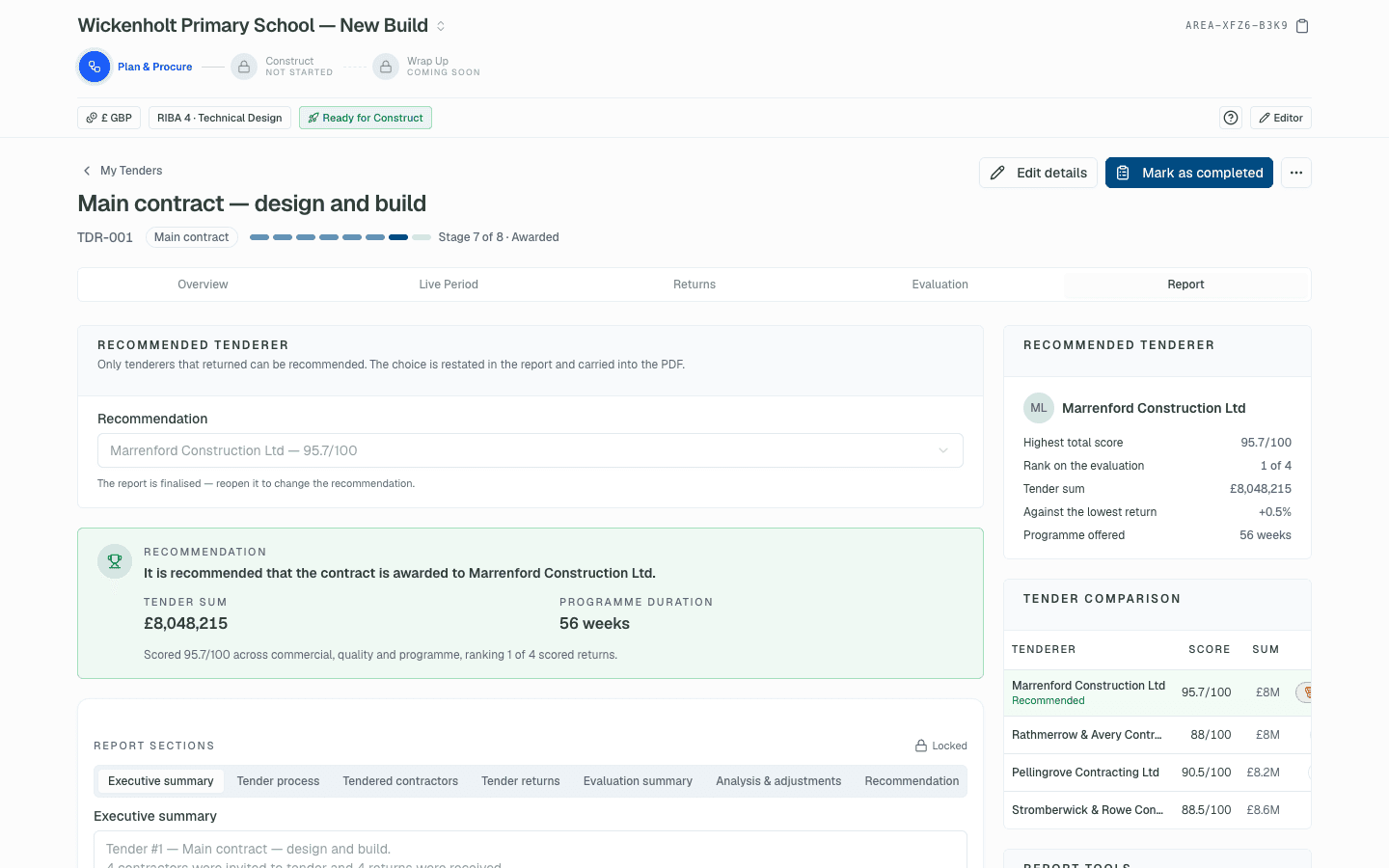
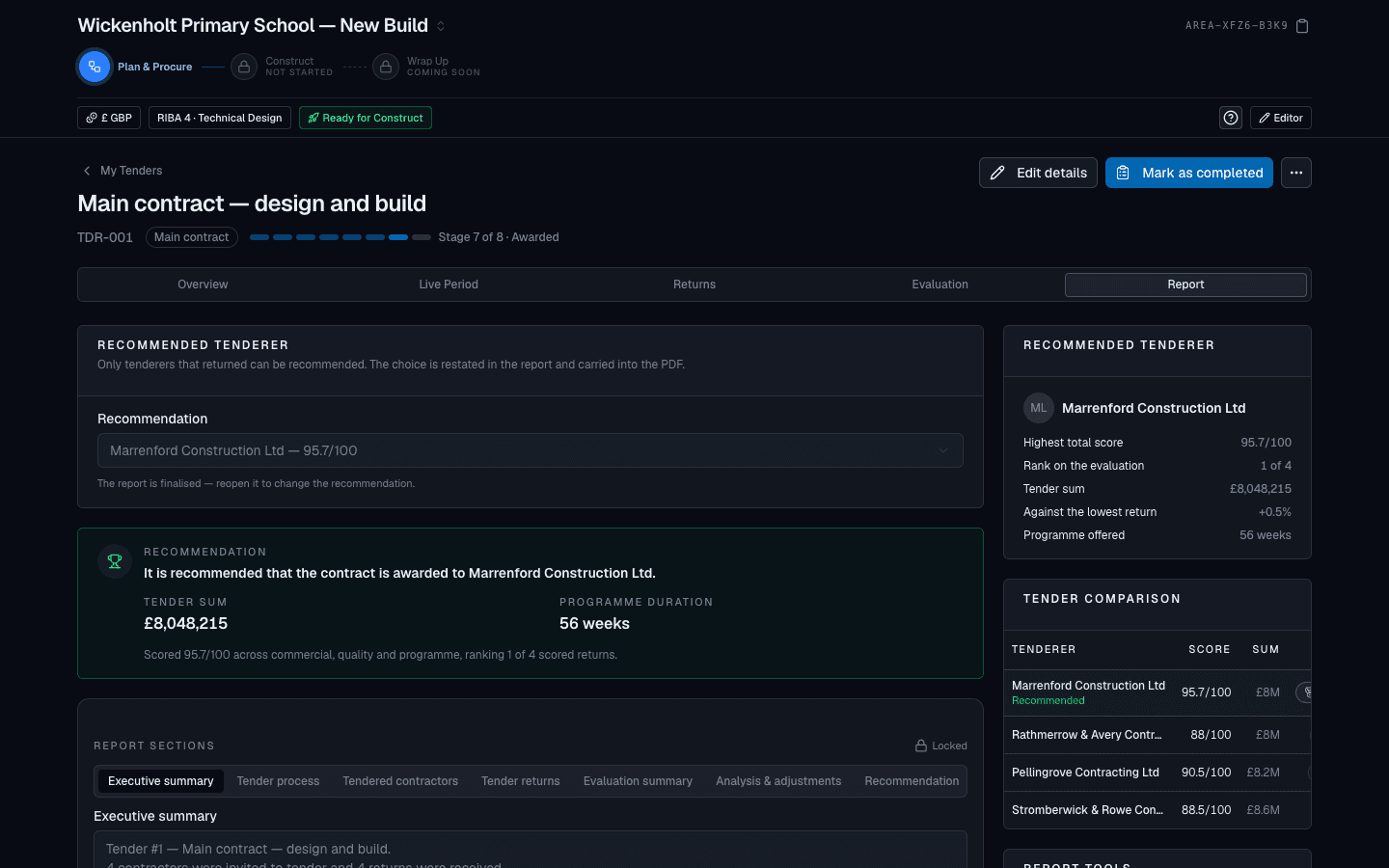
Set the procurement route and form of contract, issue tender packages, log the returns and run a like-for-like evaluation with every adjustment itemised. Record the recommendation, award the package and the appointment is written for you.
- Tender packages with tenderers, issue and return dates
- Returns normalised and compared, with AI-assisted analysis
- Recommendation report and tender award in one flow
- Award writes the contractor and contract sum from the recommended tender to the appointment
Publish to Construct
Hand over once, cleanly.
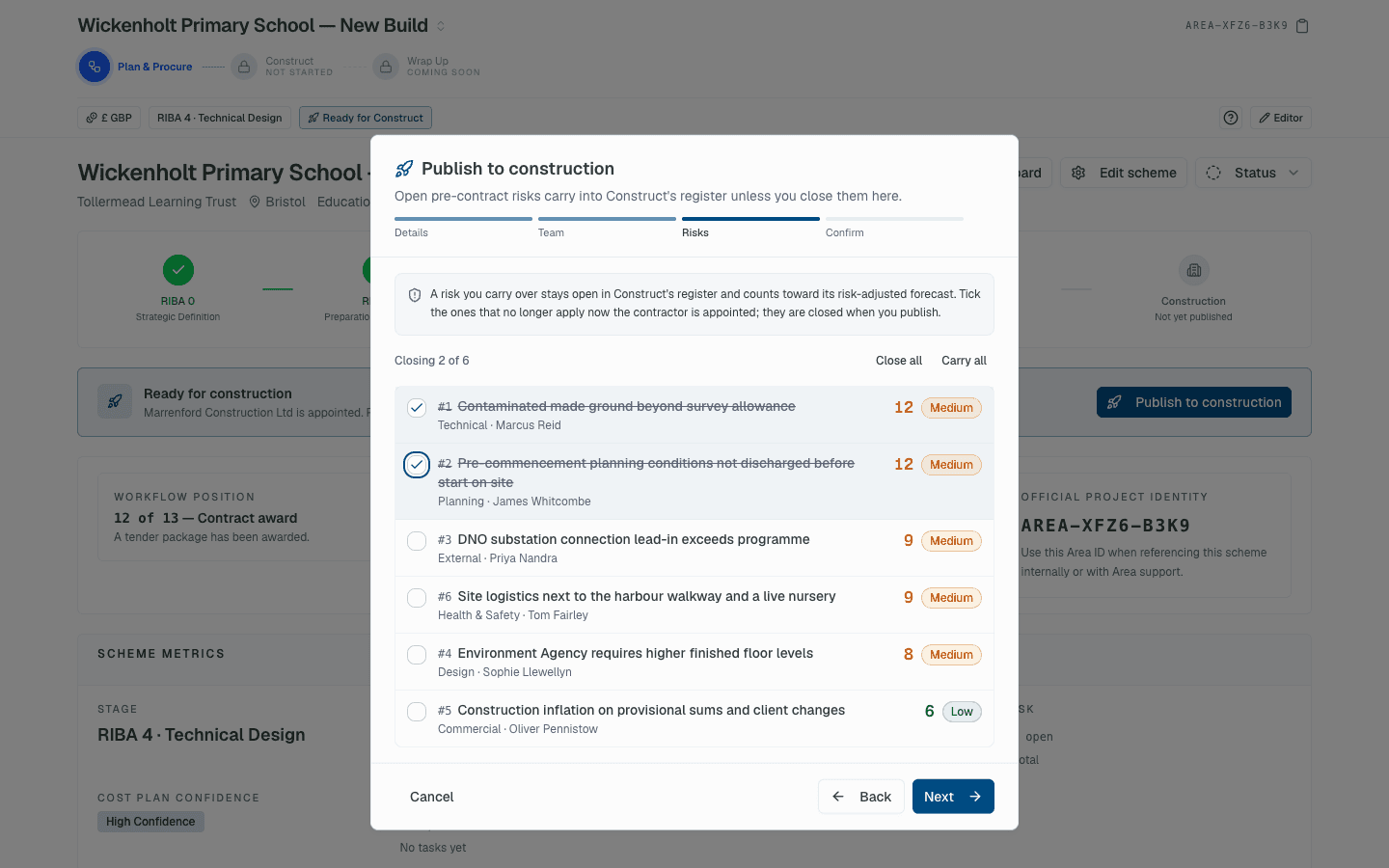
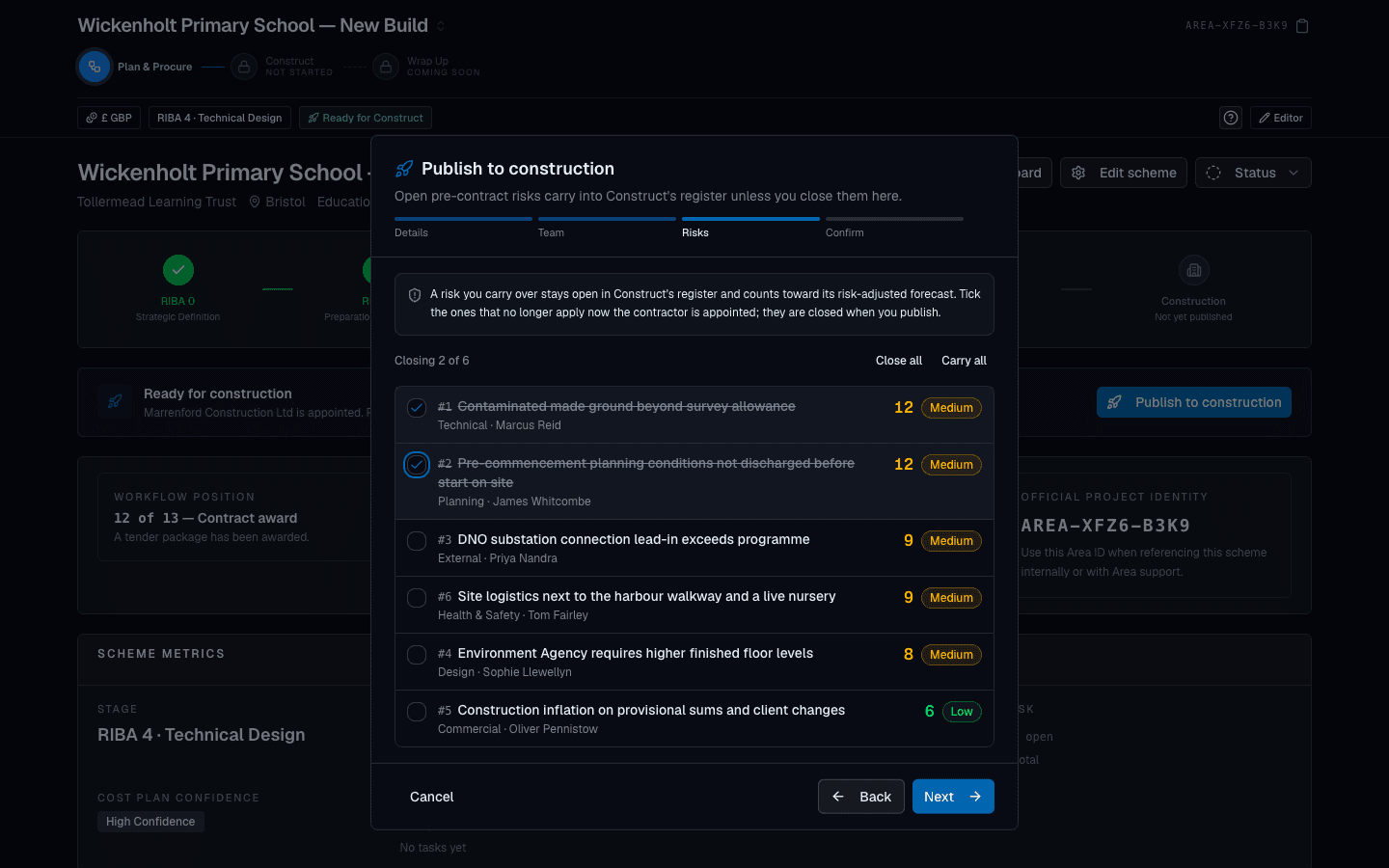
With a contractor appointed, publish the scheme to Construct in a short guided flow: confirm the details, confirm the team, close any pre-contract risks that no longer apply, and go. The contract draft opens in Construct with the commercial facts already in place.
- Contract sum, contractor, form of contract and team roles pre-filled
- Open pre-contract risks reviewed and closed or carried at handover
- Scheme users and their access carried across intact
- The scheme stays fully available in Plan & Procure afterwards
AFTER THE CONTRACT
Construct picks up exactly where Plan & Procure leaves off.
Change control, valuations, certificates, cost reports and cash flow run on the same scheme record, with the contract data pre-filled from the appointment and the pre-contract risk register carried across. No export, no re-keying, no second system.
Ready to run your schemes on Area?
Join the practices moving their pre-contract and post-contract work off spreadsheets and into one live, audited record.
Personal onboarding · Pricing agreed with you.